Marie Gregg Apps

Optaura

Accessible communication and captioning with a clear, human-centred interface.

OP

Why Optaura exists

As someone who relies heavily on lipreading, facial expressions, subtitles, and context to follow conversations, I know the exhaustion that comes with trying to keep up.

Busy cafés. Family conversations. Medical appointments. Train stations. Meetings. Airports.

Everyday moments that hearing people rarely think twice about can become mentally draining when you’re constantly trying to piece words together.

So Optaura was born.

Hearing with our eyes

The name Optaura is inspired by the idea of hearing with our eyes.

“Opt” reflects vision, clarity, and perception.

“Aura” represents presence, atmosphere, and the invisible energy of communication that surrounds us every day.

Together, Optaura represents a calmer, more human way to experience conversation.

Designed around real-world listening fatigue

Optaura is designed to support deaf and hard of hearing people by making conversations feel more accessible, less exhausting, and more empowering.

From live captions and customisable subtitle experiences to cleaner visual focus and accessible design choices, every feature is built with real-world listening fatigue in mind.

Reducing barriers

This isn’t about “fixing” deafness.
It’s about reducing barriers.

Because accessibility should never feel like an afterthought.

And nobody should have to work twice as hard just to be included in a conversation.

Accessibility that adapts to people

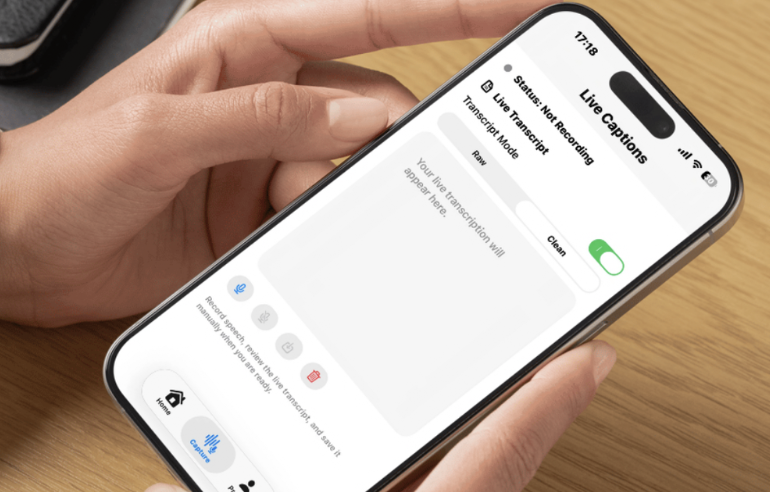
Optaura live captions and transcript interface

Clean Transcripts

Optaura gives you the choice between Raw and Clean transcript views. Raw View captures conversations exactly as they happen in real time, while Clean View reduces clutter and distractions to create a calmer, easier-to-follow reading experience. You stay in control of how you experience every conversation.
Optaura caption font controls

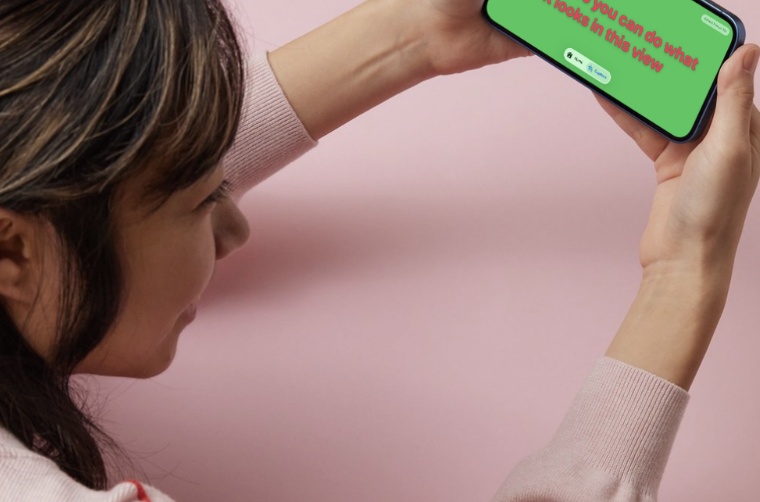
Live Subtitles to suit you

Optaura believes accessibility should adapt to people — not the other way around. That’s why you can personalise your experience by changing colours, font styles, and text sizes to create a setup that feels comfortable, clear, and works best for you.

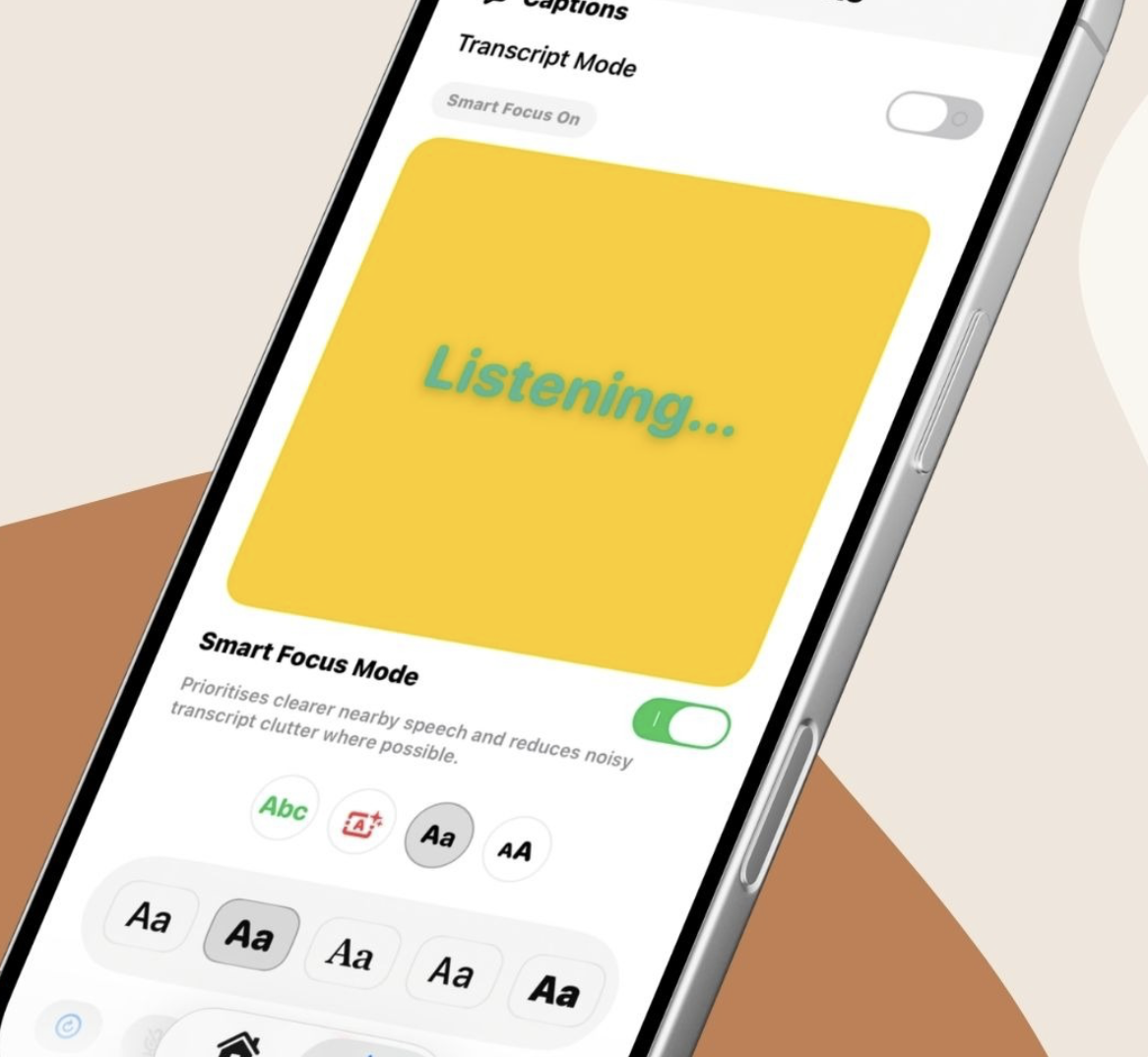
Optaura Smart Focus Mode

Smart Focus Mode

Smart Focus prioritises clearer nearby speech and reduces noisy transcript clutter where possible, helping keep attention on the conversation that matters.